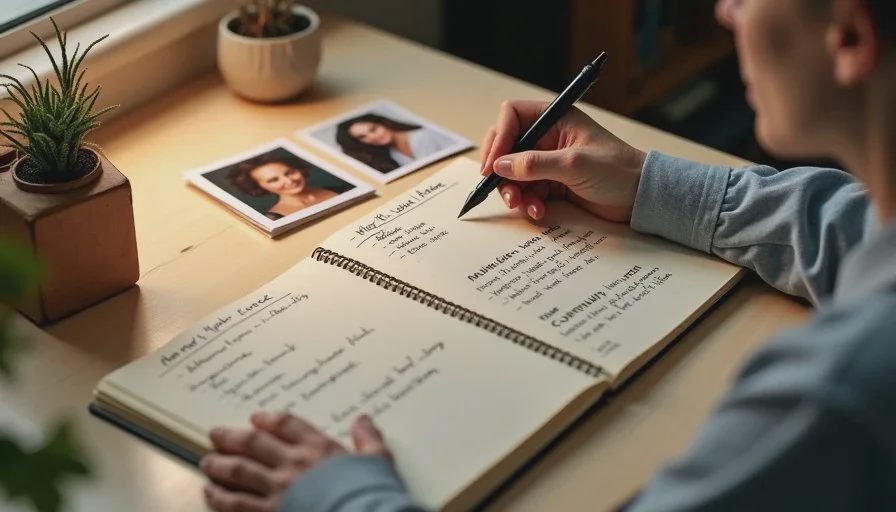
Most AI short drama projects lose consistency in the first three generations. The face shifts. The hairstyle changes. The jacket becomes a different color. The problem is rarely the tool. The problem is that the character was never locked down before prompting began.
I’m Claire Morgan. After enough failed projects where the same woman turned into three different people across six shots, I started requiring a short character bible before any image generation. The document is simple on purpose. It takes fifteen to twenty minutes to write and saves hours of later cleanup. This post walks through exactly what I put in it and why each section matters for AI video.
Why a Character Bible Matters More in AI Than in Traditional Production
In live-action you can put the same actor in the same clothes on the same day. In AI generation every new image is a fresh roll of the dice. Without a tight set of constraints, the model will invent new details. A character bible turns those constraints into clear, reusable language you can paste into every prompt and every reference request.
The bible also forces you to decide who the character actually is before you start chasing pretty images. That decision improves performance direction, wardrobe choices, and the emotional range you ask the tools to deliver.
I keep every character bible in the same folder as the scene brief and the shot list. When a generation comes back wrong, I compare it against the bible first. Most continuity problems become obvious within seconds.
The Core Sections I Always Include
My character bibles are short. One page is ideal. Two pages is the maximum. Longer documents get ignored during generation.
Here are the sections that actually get used:
1. Character Name and One-Line Role
Just enough to keep the person distinct. Example: “Maya – the one who has been avoiding the phone call.”
2. Age Range and Physical Build
Stay general enough for the tools but specific enough to prevent drift. “Early 30s, average height, slim but not athletic.”
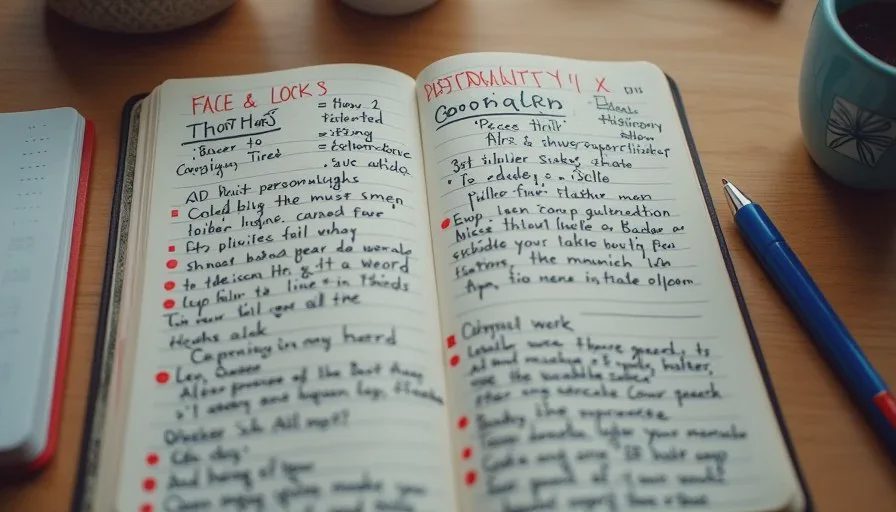
3. Face and Hair Lock
This is the most important visual section. I list the non-negotiables: face shape, eye color, eyebrow thickness, hair color, hair length, hair style, any distinguishing marks. I also note what must stay consistent across emotion (the eyes and the mouth shape under stress).
4. Wardrobe Lock
One primary outfit for the scene or episode. Color, fabric, fit, and any accessories that must repeat. I avoid vague words like “casual” or “stylish.” “Olive green cotton utility jacket, worn in, sleeves rolled once, white crew-neck tee underneath” is usable. “Cool jacket” is not.
5. Personality in Action
Three or four short notes about how the character moves and behaves under pressure. These notes later guide both image prompts and voice direction. Example: “Keeps hands in pockets when lying. Looks at the floor before making a hard decision. Speaks shorter when angry.”
6. Continuity Must-Haves
A short checklist of items that cannot change between shots: the exact jacket, the necklace, the scar, the phone case, the way the hair falls on the left side of the face.
How I Gather the Information
I do not start with AI images. I start with decisions.
First I write the one-line role and the personality-in-action notes from the story. Then I decide the age range and build. Only after those exist do I look for visual references.
I collect three to six reference images that match the face and hair direction I want. These can be photographs, frame grabs, or earlier successful generations. The goal is not to copy a real person. The goal is to give the tools a clear visual target so they stop inventing new faces.
I print the best two or three references and keep them next to the written bible while I work. Looking at both the words and the pictures at the same time reduces drift more than either method alone.
Turning the Bible into Prompt Language
Once the bible exists, I extract a short “lock block” that I paste into every image prompt for that character. The lock block is usually two or three sentences and contains only the non-negotiable visual details.
Example lock block:
“Early 30s woman, oval face, light brown eyes, straight dark brown hair to the shoulders with a side part, small mole on the left cheek. Wearing a worn olive green cotton utility jacket over a white crew-neck t-shirt.”
Everything else in the prompt can change (expression, angle, lighting, action). The lock block stays identical. This single habit is responsible for most of the consistency gains I see.
I also keep a second, shorter version for video tools that have tighter character limits. The principle remains the same: lock the identity first, then direct the performance.
Common Mistakes and How to Avoid Them
Mistake: Making the bible too long and detailed.
Result: You stop using it.
Fix: One page. Only the details that actually break continuity if they change.
Mistake: Using subjective words (“beautiful,” “mysterious,” “cool”).
Result: The model invents its own version of those words.
Fix: Replace every subjective word with observable description.
Mistake: Changing the wardrobe mid-project because a new generation looked better.
Result: Instant continuity break.
Fix: If a new look is truly stronger, update the bible and regenerate the earlier shots. Do not mix versions.
Mistake: Skipping the personality-in-action section.
Result: The character looks consistent but performs generically.
Fix: Write three concrete behaviors. They improve both image prompts and later voice direction.
Mistake: Treating the bible as optional once generation starts.
Result: Small drifts accumulate until the character is unrecognizable.
Fix: Keep the printed bible or the lock block visible at all times.
How the Character Bible Fits the Larger Workflow
The character bible sits between the story brief and the first image prompt. The order I follow is:
One-sentence idea and five-beat outline
Character bible
Shot list
First reference generations
Full scene generations
When this order is respected, the later stages move faster and the final edit requires fewer emergency fixes. When the order is reversed, I usually end up rebuilding the character halfway through the project.
The bible also becomes useful documentation. If I return to the same character weeks later for a second scene, the document is already there. I do not have to reverse-engineer the face and wardrobe from old generations.
A Practical Starting Template
You can copy this structure and fill it in for your next character:
Name / Role:
Age range & build:
Face & hair lock:
Wardrobe lock (one primary outfit):
Personality in action (3–4 notes):
Continuity must-haves:
Lock block for prompts:
Fill it out before you open any image tool. Generate your first reference sheet only after the document exists. Compare every new generation against it.
A good AI short drama still needs a human director. The character bible is one of the simplest ways to stay in that role when the tools are ready to invent a new face every time you hit generate.
Write the bible first. Then write the prompt. The consistency difference is usually visible within the first five images.



Travellers Write
No letters yet — be the first traveller to write.