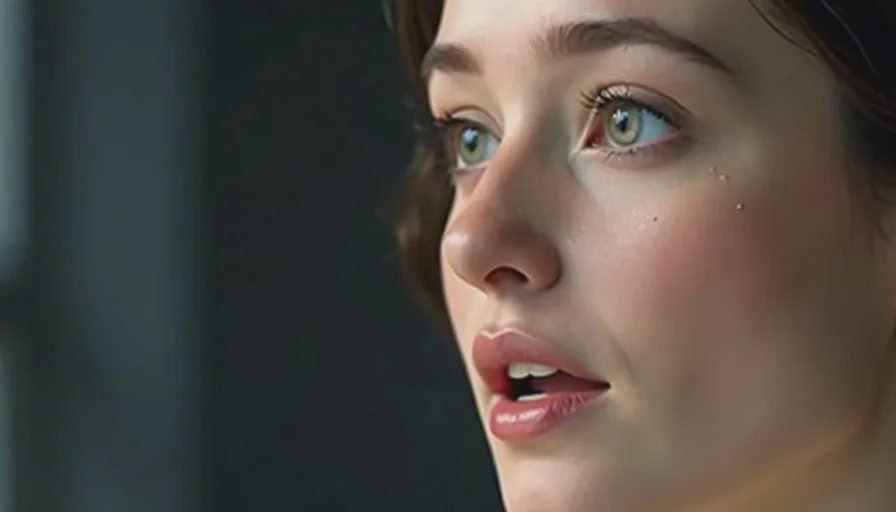
Picture can look solid and the scene still falls apart the moment the voice starts. The mouth moves at the wrong time. The performance sounds like someone reading instead of speaking. Pauses land in the wrong places and kill the pressure you carefully built. These audio problems are among the most common reasons an AI short drama feels unfinished.
I’m Claire Morgan. I treat sound as a full production stage, not as an afterthought. Over multiple projects I have developed a practical set of checks and repairs that address the three issues that appear most often: bad lip sync, flat voices, and awkward pauses. This guide walks through diagnosis and the fixes that consistently help inside a sixty-second workflow.
Why Audio Problems Feel So Obvious in Short Form
In a one-minute piece there is nowhere to hide. A single off-time mouth movement or a dead pause becomes the main event. Viewers may forgive a slightly imperfect face more readily than they forgive dialogue that feels disconnected from the image.
Most of the damage happens in three places:
The voice was generated without tight reference to the final picture timing
The performance direction given to the voice tool was too generic
The edit did not protect or create the silences the scene actually needs
The repairs below target those root causes rather than chasing perfect technical settings.
Problem 1: Bad Lip Sync
Lip sync fails in two common ways. The mouth movement starts or ends at the wrong moment, or the shape of the mouth does not match the sounds being made. Both break the illusion that the character is speaking.
Diagnosis
Play the shot with sound and watch only the mouth. Note whether the movement leads the audio, lags behind it, or simply does not match the phonemes. Also check whether the jaw and lips look active enough for the line energy.
Practical fixes
Generate or regenerate the voice only after the picture timing is stable. Matching audio to locked picture is easier than the reverse.
Prefer shorter lines. Long, complex sentences give the model more chances to drift.
If the tool supports it, use the final video clip as a timing reference when generating or aligning speech.
In the edit, small slips can sometimes be improved by trimming or slipping the audio a few frames. Larger mismatches usually require a new voice take or a new picture generation.
For critical close-ups, generate multiple voice versions and multiple picture versions, then pair the best match rather than forcing a single take to work.
I no longer try to “fix” severe lip-sync errors with heavy time-stretching. The artifacts usually look worse than a clean regeneration.
Problem 2: Flat Voices
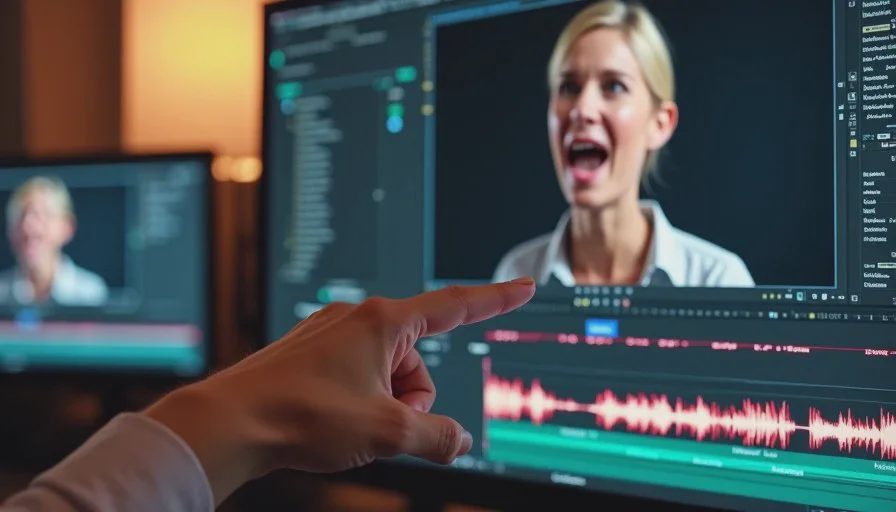
A flat voice has correct words and acceptable timing but no sense that the character wants anything. It sounds like narration over a face rather than a person speaking under pressure.
Diagnosis
Listen to the line with your eyes closed. Ask whether you can hear the intention—urgency, hesitation, resignation, control. If the delivery could be swapped into a different scene without change, it is probably too flat for the moment.
Practical fixes
Rewrite the line so it is shorter and more spoken. Remove explanatory language and keep the pressure.
Give the voice tool specific performance direction instead of generic emotion labels. “Quiet, like she has already decided” or “faster, trying not to let the other person interrupt” produces clearer results than “emotional” or “dramatic.”
Generate multiple intensities of the same line and choose in context. A take that feels slightly too strong in isolation often works once it sits against picture.
Match vocal energy to shot size. A close-up usually benefits from more intimate, lower-energy delivery. A wider shot can support a little more projection.
If the tool allows reference audio, feed it a short example of the cadence you want rather than relying only on text prompts.
Flatness is often a writing problem as much as a performance problem. When the line itself has no conflict or decision inside it, even a good voice take will sound empty.
Problem 3: Awkward Pauses
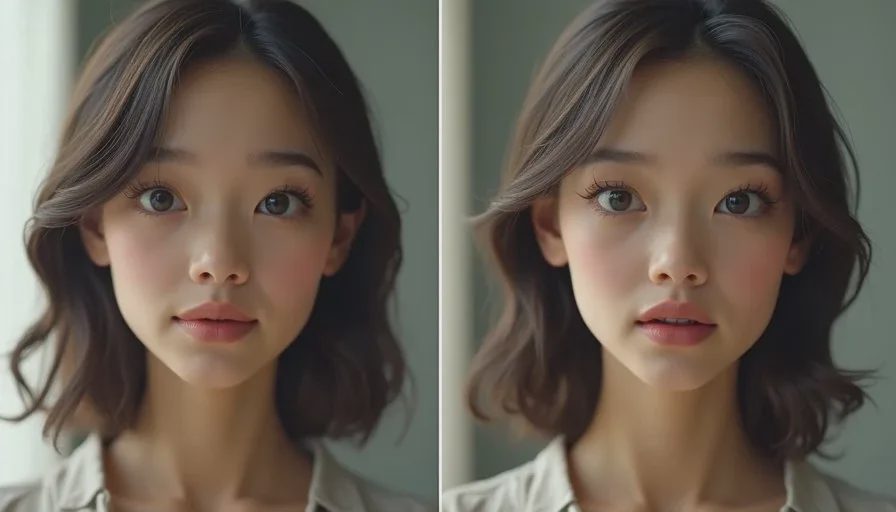
Pauses are powerful when they are intentional and destructive when they are accidental. Awkward pauses usually appear in two forms: dead air that feels like the scene stopped, or rushed connections that give the audience no time to absorb a change.
Diagnosis
Watch the scene and mark every place where the energy drops or where you feel the urge to skip forward. Those moments are candidates for pause repair. Also check the spaces between lines—do they feel earned by the characters’ behavior or do they simply exist because the generations ended there?
Practical fixes
Design pauses on purpose. Decide where the audience needs a beat to register a realization or a decision, then protect that space in the edit.
Use picture to justify silence. A held face, a small physical action, or a shift in eye line makes a pause feel active rather than empty.
Trim the tails of lines aggressively. Many AI voice generations end with a little extra breath or trailing energy that creates unintended gaps.
Avoid stacking multiple short clips with natural tails between them. The accumulated micro-pauses quickly feel uneven.
When a pause feels too long, check whether the problem is the audio gap or the absence of a clear visual change during that gap. Adding a small piece of physical business often solves it without shortening the silence.
Good pauses are part of performance. They should feel like the character is thinking, deciding, or withholding—not like the timeline has a hole.
A Practical Audio Repair Order
When a scene has multiple audio problems I follow this sequence:
Lock the picture timing as much as possible.
Fix or regenerate dialogue so lines are short and intention-driven.
Align or regenerate voice to the locked picture.
Address lip sync on the critical close-ups.
Shape pauses deliberately in the edit, using picture to support silence.
Only then add room tone, effects, and any music.
Working in this order prevents fixing the same problem twice. There is little point in perfecting pauses if the lip sync is still broken, or polishing a flat line that will be rewritten.
Tools and Habits That Help
Keep a simple “line intention” note next to each piece of dialogue.
Generate more voice takes than you think you need for the key emotional lines.
Review audio with the same side-by-side discipline you use for faces: compare the new take against the picture and against the previous best.
Protect a clean production track. Make creative sound decisions on separate layers so you can always return to the original dialogue.
These habits are small but compound quickly inside a short runtime.
What Success Sounds Like
When the audio is working, the audience stops noticing the technical side of speech. They hear a person under pressure making choices in real time. Lip sync supports the illusion instead of breaking it. Pauses feel like part of the performance. The voice has enough specificity that it could not be swapped into a different scene without loss.
A good AI short drama still needs a human director. Sound is one of the places where that direction is most obvious. The tools can produce words and mouth movement. Only you can decide whether those words are worth saying and whether the silences around them carry weight.
Take the most important line in your current scene. Check it against the three problems above. Rewrite or regenerate until the intention is clear, the mouth supports the sound, and the spaces around the line feel chosen. The rest of the scene usually improves once that central piece of audio is solid.



Travellers Write
No letters yet — be the first traveller to write.