
Most beginners who try to make an AI short drama start in the middle. They open an image or video tool, type a prompt, and hope a usable scene appears. When the results feel disconnected, they switch tools, adjust settings, and generate more. Hours later they have a folder of interesting clips and no finished piece. The missing element is almost always a clear order of operations.
I’m Claire Morgan. After teaching this process to other creators and refining it on my own projects, I settled on a simple linear workflow that takes a short idea all the way to a viewable 60-second drama. The sequence below is the one I recommend to anyone starting out. It is deliberately practical. Each stage produces something the next stage needs.
Why Order Matters More Than Any Single Tool
AI tools are powerful but narrow. An image generator does not know your story beats. A video model does not remember the jacket color from three shots ago. A voice tool cannot fix flat dialogue. When you move between them without a plan, every stage has to compensate for decisions that were never made.
A complete beginner workflow solves this by forcing the important decisions early, while changes are still cheap. Story and character choices happen on paper. Visual consistency is locked before heavy generation. Sound and edit come last, when the picture is stable enough to support them.
I have watched the same creator cut their wasted generations roughly in half simply by following a fixed order instead of improvising.
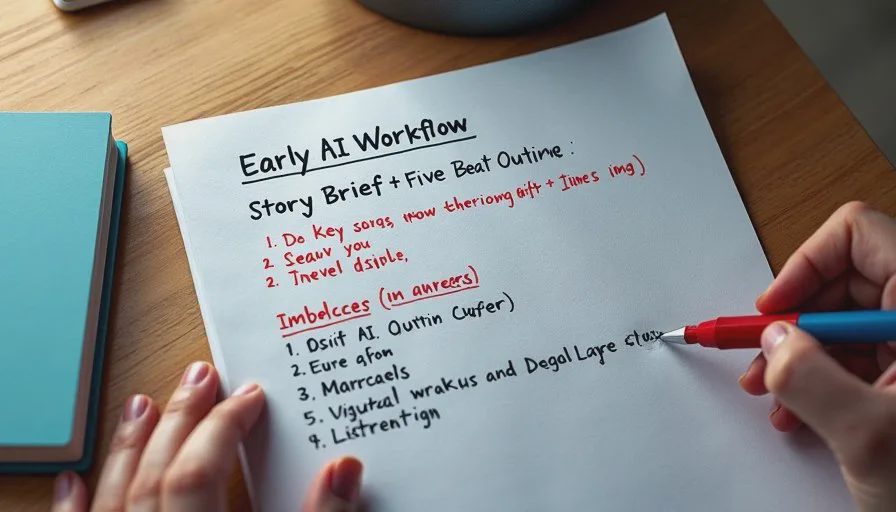
Stage 1: Story Brief and Five-Beat Outline
Everything starts with a short written brief. One sentence that states the core idea, followed by a five-beat outline (Establish, Trigger, Struggle, Turn, New State). This stage also includes the character’s goal and the main obstacle.
Do not open any AI tool yet. The goal is clarity, not images. A usable brief can be finished in fifteen to twenty minutes. It becomes the reference for every later decision.
If the brief feels vague, stay here. Generating pictures will not fix an unclear story.
Stage 2: Character Bible and Continuity Lock
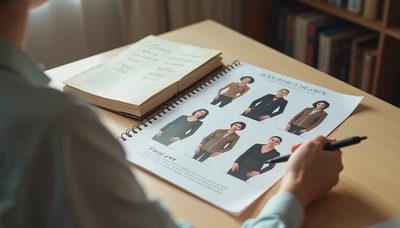
Next, build a one-page character bible: face and hair lock, primary wardrobe, personality-in-action notes, and continuity must-haves. From this bible extract a short lock block that will be pasted into every visual prompt.
At the same time, make a simple continuity plan for props and lighting direction. These two documents prevent the majority of face and costume drift that destroys beginner projects.
Only after the bible exists do I look for or generate reference images. The references must serve the written lock, not the other way around.
Stage 3: Shot List
Translate the five beats into a short shot list. Most one-minute pieces need only four to six shots. For each shot note the type (wide, medium, close-up, insert), the story job, and any continuity requirements.
The shot list tells you what to generate and in what order. It also prevents the common habit of creating dozens of beautiful but unnecessary angles.
I write the shot list by hand first. The physical constraint keeps the list short and purposeful.
Stage 4: Reference Generation and Lock Confirmation
Now open the image tool. Generate a small set of clean reference frames for the character in the primary wardrobe and lighting. Aim for two or three strong medium shots and one or two close-ups that match the bible exactly.
Review them against the written lock block. If the face or costume drifts, adjust and regenerate before moving on. These references will be fed into later generations. Spending time here pays off for the rest of the project.
Do not generate the full scene yet. Confirm the character lock first.
Stage 5: Scene Generation (Image Then Motion)
With references locked, generate the actual shots in story order. I prefer to create still frames first for every shot on the list, then select the best stills and move them into image-to-video.
Working still-first gives more control over composition, eye line, and continuity. Video-first is possible, but beginners usually lose consistency faster that way.
For each shot, keep the character lock block identical and change only the performance, camera, and action notes. Generate more variations than you think you need for the key emotional moments (usually the Turn beat).
Stage 6: Voice, Sound, and Temporary Assembly
Once the picture selects are stable, add voice and sound. Write or finalize any dialogue only after the visuals exist so line length can match shot length. Generate voice performances, then lay them against the picture in a simple timeline.
Add only the sound that the story needs: the phone vibration, the chair scrape, the ambient room tone. Resist the urge to fill every gap with music at this stage. A temporary assembly with clear dialogue and a few key effects is enough to evaluate whether the scene works.
Stage 7: Edit, Revision, and Final Export
Edit in shot-list order first. Only after the story plays cleanly do I look for alternative takes or trim for pace. This discipline prevents the edit from being driven by the single most beautiful clip.
Common revision passes I run:
Continuity pass (faces, costumes, props)
Performance pass (does the emotion land?)
Pacing pass (remove anything that does not advance the five beats)
Sound pass (clean up overlaps, add final atmosphere)
Export in the required vertical or horizontal format only after these passes. Name the file with the project title and date so later versions stay organized.
Recommended Order of Tools for Beginners
The exact software can change. The order should not:
Paper or simple text doc (brief, bible, shot list)
Image generation tool (references and stills)
Image-to-video tool (motion)
Voice tool
Editor (timeline assembly and export)
Staying inside this sequence reduces context-switching and makes problems easier to diagnose. When something fails, you know which stage produced the failure.
Common Beginner Traps and How to Avoid Them
Trap: Starting with video generation because it feels more exciting.
Fix: Lock still references first. Motion is easier when the frame is already correct.
Trap: Generating dozens of shots before writing a shot list.
Fix: Write the list. Most of those extra shots will not make the cut.
Trap: Changing the character’s outfit or face mid-project because a new generation looked better.
Fix: Update the bible and regenerate earlier shots, or reject the new look. Mixing versions creates continuity debt.
Trap: Adding music and effects before the picture and dialogue are stable.
Fix: Picture and voice first. Sound design last.
Trap: Skipping the temporary assembly and jumping straight to final polish.
Fix: Make a rough cut early. Many story problems only become obvious when the shots play in order.
How Long This Workflow Actually Takes
For a first 60-second piece, expect the process to take longer than you hope. The planning stages (brief through shot list) can be done in under an hour once you are familiar with them. Reference and scene generation usually take the most time. Editing and sound can be completed in a focused session once the selects exist.
The second and third projects move faster because the documents and habits already exist. The goal of the beginner workflow is not maximum speed on the first attempt. It is finishing a coherent piece without drowning in unusable generations.
A good AI short drama still needs a human director. This workflow is simply a practical way to stay in that role from the first sentence to the final export. Follow the stages in order. Complete each one before moving to the next. The finished scene will hold together more often, and the process itself becomes repeatable.
Start with the brief. End with the export. Everything in between works better when the sequence is respected.

Travellers Write
No letters yet — be the first traveller to write.