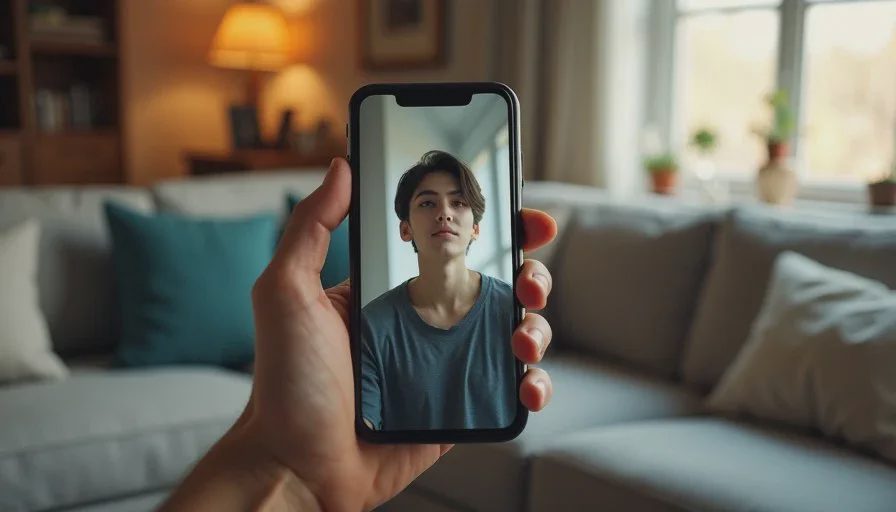
Most AI short dramas are conceived in a cinematic frame and then forced into a vertical one at the end. The result usually looks cropped rather than directed. Vertical platforms reward a different set of choices: tighter framing, faster establishment, clearer text, and pacing that respects how people actually watch on a phone. Treating the vertical edit as a simple re-export is one of the fastest ways to weaken an otherwise solid scene.
I’m Claire Morgan. I now plan for vertical delivery from the shot-list stage rather than discovering the problems in the final export. This post covers the practical adjustments that consistently improve how AI short dramas play on TikTok, Instagram Reels, and YouTube Shorts.
Start with the Platform Reality, Not the Cinematic Ideal
People watch these platforms in short bursts, often without sound, frequently while doing something else. The first second has to orient the viewer. The emotional or narrative hook needs to arrive quickly. Text must be readable at a glance. These constraints are not artistic limitations; they are the conditions under which the work will be seen.
I keep a simple vertical checklist visible during the edit:
Does the opening frame make the location and character relationship clear within the first second?
Can the story still be followed with sound off?
Are the key faces and actions safely inside the vertical safe area?
Is the text large enough and on screen long enough to be read?
If the answer to any of these is no, the edit still needs work.
Framing for Vertical Instead of Cropping After the Fact
The biggest improvement comes from generating and selecting shots with vertical delivery in mind. A medium shot that feels balanced in 16:9 often loses the top of the head or the hands when cropped to 9:16. A wide shot that establishes geography can become a set of disconnected body parts.
Practical habits that help:
When generating stills and motion, include vertical framing tests for the most important shots.
Prefer slightly tighter mediums and clean close-ups that already work in 9:16.
Keep critical action and faces away from the extreme edges where platform UI and captions will sit.
If a wide shot is necessary for story, plan a second tighter version or an insert that can carry the same information in vertical.
I no longer treat the vertical version as a derivative. For short-drama work aimed at these platforms, it is the primary delivery format.
Pacing: Faster Orientation, Protected Payoffs
Vertical viewing is less patient with slow establishment. I now cut the opening more tightly than I would for a horizontal piece. The audience needs to know who is where and what the pressure is within the first one to two seconds.
At the same time, the emotional or narrative payoff still needs space. A common mistake is to rush every cut equally. The result feels both hasty and unclear. I protect the Turn and the New State with slightly longer holds so the decision or consequence can register. Everything before those moments is trimmed more aggressively.
A useful test: play the edit at full speed on a phone. If you feel the urge to skip forward during the first half, the orientation is probably still too slow. If the ending feels abrupt, the payoff needs more air.
Captions and On-Screen Text
A large percentage of viewers watch without sound. Captions are not optional decoration; they are part of the storytelling.
My current caption rules for short dramas:
Keep lines short. One or two short sentences per caption block.
Time captions to the actual speech or to the exact moment the information matters.
Place captions in the lower third but high enough to clear platform UI.
Use high contrast and a clean sans-serif typeface. Avoid thin fonts and low-contrast colors.
Do not caption every breath or filler sound. Caption what the audience needs to understand.
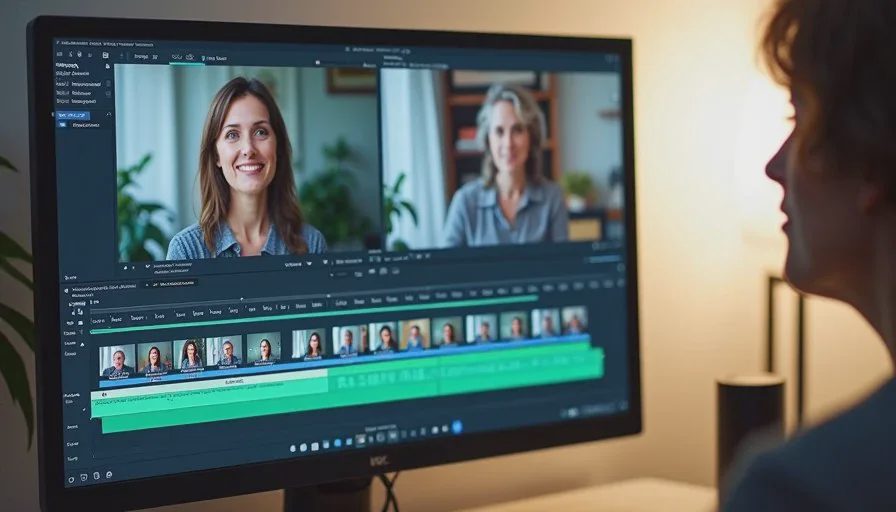
I also test the captions at the size they will actually appear on a phone. Text that looks fine on a desktop timeline often becomes hard to read in a real vertical feed.
Platform Nuances Worth Respecting
The three major platforms are similar but not identical.
TikTok tends to reward slightly faster pacing and clear early hooks. The audience is used to rapid orientation.
Instagram Reels sits between TikTok and a slightly more visual, aesthetic expectation. Clean framing and readable text still matter, but pure speed is a little less aggressive.
YouTube Shorts often supports a touch more narrative breathing room, especially if the viewer has come from longer content. The first seconds still need to be strong, but the platform can tolerate a slightly more deliberate build.
I do not create three completely different edits for every piece. I do make small timing and caption adjustments when a scene is performing differently across platforms. The core picture and performance stay the same; the delivery is tuned.
Sound Design for Vertical Viewing
Even though many people watch muted, sound still matters for those who do not. I keep dialogue clear and slightly forward in the mix. Key sound effects (a phone vibration, a door, a bag strap) are kept clean and not buried. Music, if used, is mixed under the voice and is often introduced later than it would be in a horizontal piece so it does not compete with the initial orientation.
I also create a version of the timeline that plays correctly with captions only, so the muted experience is intentional rather than accidental.
Export and Technical Checklist
Before uploading I run a short technical pass:
Resolution and aspect ratio correct for the target platform (usually 1080x1920)
Captions burned in or uploaded as a separate file according to the platform’s current preference
Peak audio levels controlled so dialogue stays intelligible on phone speakers
No critical action hidden under UI zones
File named clearly with project title and platform if multiple versions exist
These steps are mundane. Skipping them is a common way to undermine otherwise careful work.
A Practical Vertical Edit Order
Select and arrange shots with vertical framing already considered.
Build the temporary assembly and test orientation speed on a phone.
Protect the emotional or narrative payoff with appropriate holds.
Add and time captions for the muted viewer.
Balance dialogue, effects, and music.
Do a final phone-speed review.
Export and label clearly.
Working in this order keeps the vertical requirements visible at every stage instead of discovering them at the end.
A good AI short drama still needs a human director. Vertical platforms do not remove that responsibility; they simply change the conditions under which the direction must succeed. Frame for the phone. Pace for the feed. Make the story readable with or without sound. The same tools that produce the images can support this delivery when the edit treats vertical as the primary destination rather than an afterthought.
Take one finished scene and re-edit it specifically for vertical. Watch it on your phone at normal viewing distance. The places that still feel cropped, slow, or unclear are the exact spots the next project can improve from the start.


Travellers Write
No letters yet — be the first traveller to write.