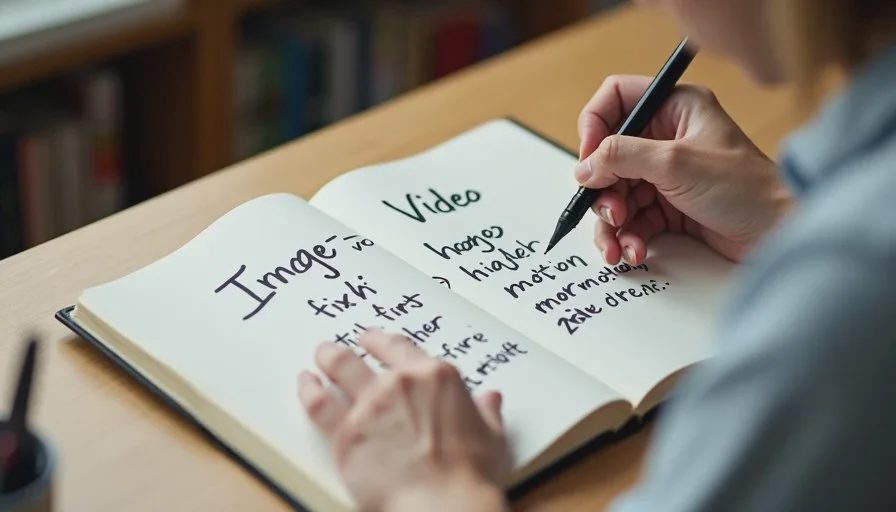
One of the first practical decisions a new AI filmmaker faces is whether to build scenes with image-to-video or text-to-video. Both paths can produce finished shots. They are not equal in control, consistency, or learning speed for short-drama work. After running the same scenes through both methods across multiple projects, I have a clear recommendation for most beginners—and a set of conditions under which the other path makes sense.
I’m Claire Morgan. I use both approaches, but I no longer treat them as interchangeable. The choice affects how much time you spend fixing faces, how predictable your camera language stays, and how quickly you can move from a shot list to a coherent edit. This post breaks down the real differences and gives a practical decision framework.
What Each Method Actually Does
Text-to-video generates motion directly from a text prompt. You describe the shot, the action, the character, and the style in one go. The model creates the moving image from that description.
Image-to-video starts with a still image (or a small set of stills) and then animates it. You first lock the composition, character appearance, and framing as a still, then ask the model to add motion.
The difference sounds technical. In practice it changes the entire production rhythm.
Control Over Character Consistency
This is the biggest gap for short-drama work.
With text-to-video, character identity is regenerated on every clip. Even with careful prompting and seed control, faces and costumes drift between shots. Maintaining a locked character across a six-shot scene requires constant vigilance and frequent regenerations.
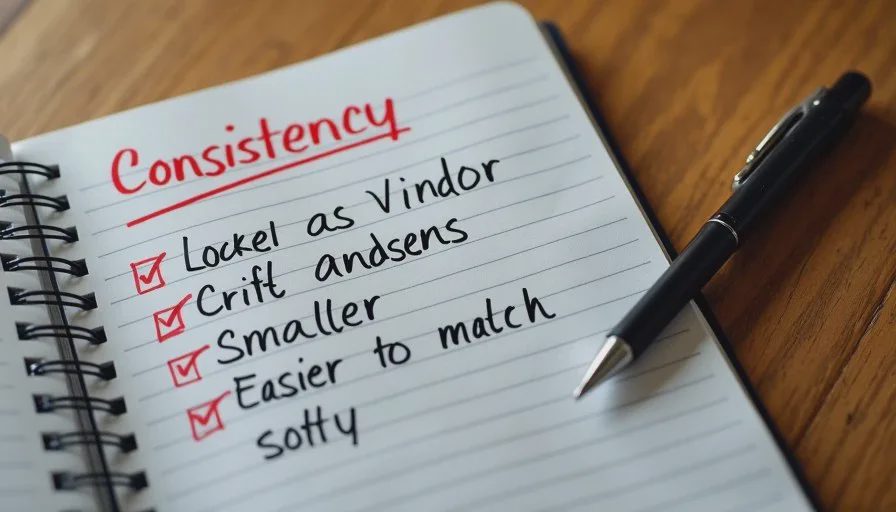
With image-to-video, you first create a strong still that already matches your character lock. That still becomes the visual anchor. Subsequent motion generations start from a known face and wardrobe. Drift still happens, but it is usually smaller and easier to catch.
For any project that needs the same character to appear in multiple shots, image-to-video gives beginners a higher success rate with less frustration.
Control Over Composition and Camera Language
Text-to-video forces you to describe framing, lens, and camera move in words at the same time you describe performance and action. That is a lot of variables for a model to balance. Results often look dynamic but can feel random in shot size or eye line.
Image-to-video lets you decide composition while the image is still. You can generate and reject stills until the framing, headroom, and eye line are correct. Only then do you add motion. This two-step process gives clearer control over the visual language of the scene.
If your shot list calls for a specific medium shot followed by a controlled close-up, image-to-video makes it easier to deliver those exact sizes.
Speed and Iteration Cost
Text-to-video can feel faster on the first generation because you skip the still stage. In a full scene, the advantage often disappears. Inconsistent characters and framing force more full regenerations.
Image-to-video front-loads time into creating good stills. Once those stills exist, motion iterations are usually cheaper and more focused. You are mainly solving for movement and timing rather than re-solving identity and composition on every try.
For beginners working on 60-second pieces with four to six shots, the still-first path typically produces a usable timeline with fewer total generations.
When Text-to-Video Still Makes Sense
Text-to-video is not useless. It has clear strengths in specific situations:
Abstract or highly stylized motion where character identity is secondary
Single-shot pieces that do not need to cut with other clips of the same character
Rapid exploration of mood and movement before locking a visual plan
Certain tools that currently produce stronger native motion from text
If your project is a standalone atmospheric clip or a pure motion study, text-to-video can be the more direct route. For narrative scenes that must cut together, it remains the harder path for most beginners.
A Practical Decision Framework for Beginners
Ask these four questions before you start generating:
Does the same character need to appear in more than one shot?
→ Yes: start with image-to-video.Do you have a specific shot list with planned sizes (wide, medium, close-up)?
→ Yes: start with image-to-video.Is this a single, self-contained shot where continuity with other clips does not matter?
→ Yes: text-to-video is reasonable.Are you still learning camera language and character locking?
→ Yes: image-to-video teaches those skills more clearly.
Most short-drama projects answer “yes” to the first two questions. That is why I recommend image-to-video as the default beginner workflow.
How I Combine Both Methods in Practice
I rarely use pure text-to-video for narrative work anymore. My standard hybrid looks like this:
Create locked character references and scene stills with an image model
Select the best still for each shot on the list
Run those stills through image-to-video with simple, purposeful motion prompts
Use text-to-video only for background elements, abstract transitions, or inserts that do not include the main character’s face
This hybrid keeps the consistency advantages of image-to-video while still allowing selective use of text-to-video where it is stronger.
Common Beginner Mistakes with Each Path
Text-to-video mistakes:
Expecting the same face to appear across multiple independent generations
Overloading the prompt with too many style and camera terms at once
Judging success by single-clip beauty instead of editability
Image-to-video mistakes:
Starting motion from weak or inconsistent stills
Adding excessive camera movement that fights the locked composition
Treating the still stage as optional or rushed
Both paths improve when the shot list and character lock exist first. Neither path replaces those planning steps.
What I Recommend You Do on Your Next Project
If you are still early in learning AI short drama production, build your next 60-second piece with image-to-video as the primary motion method. Create the stills carefully. Animate them with restrained motion. Edit the results. Then, if you want, try the same shot list with text-to-video and compare the two timelines side by side.
The comparison is usually more instructive than any abstract advice. You will see where consistency held and where it broke. That direct experience is the fastest way to develop judgment about which tool belongs in which part of your workflow.
A good AI short drama still needs a human director. Choosing the generation path that gives you more control over character and camera is one of the practical ways to stay in that role. For most beginners telling multi-shot stories, image-to-video currently offers the clearer route from shot list to finished scene.
Start with the still. Add motion second. The edit will thank you.

Travellers Write
No letters yet — be the first traveller to write.